The Month-End Reporting Checklist
A two-page checklist your finance team can run every close, so unmapped accounts, stale report runs and untied subledgers are caught before the numbers reach leadership, not after.
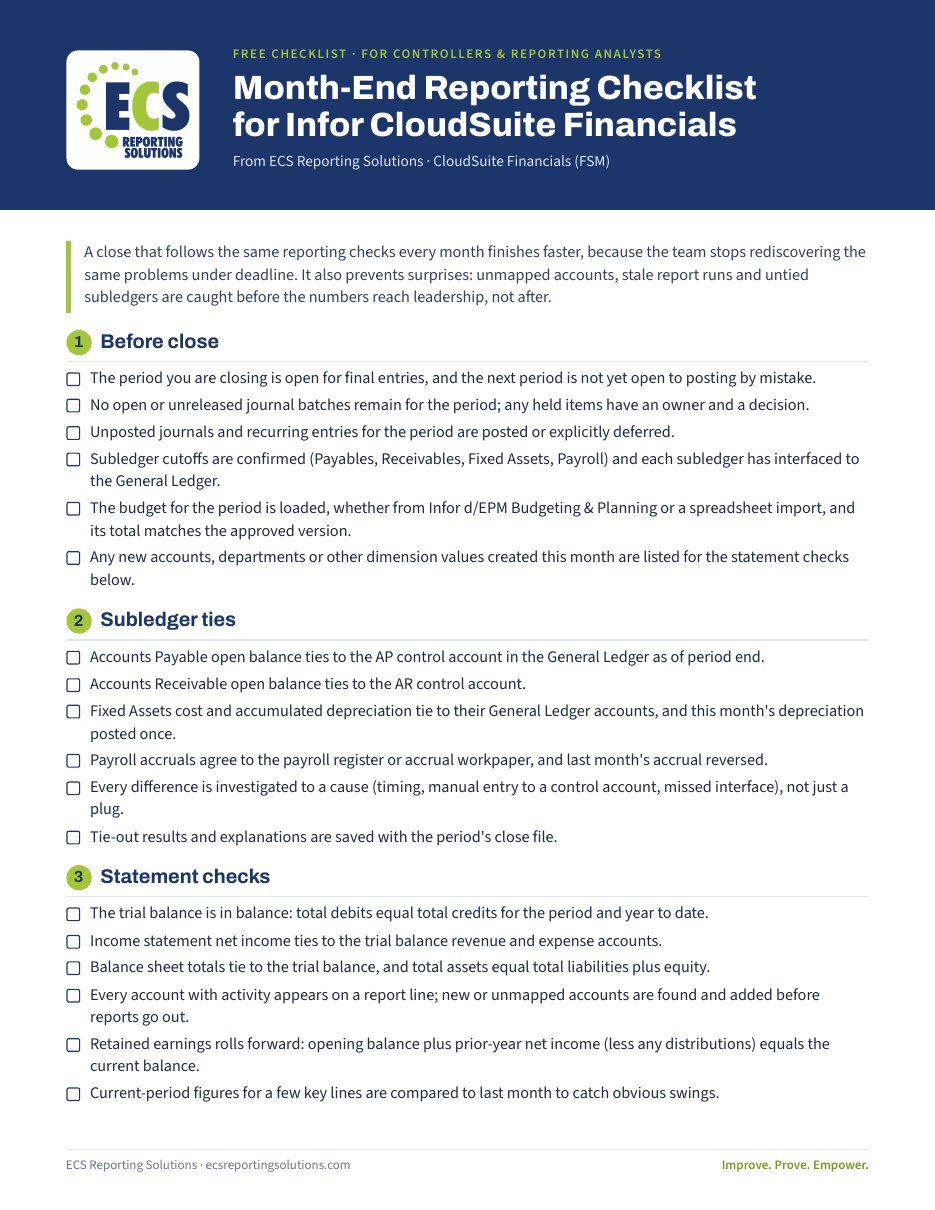
- Six sections, from before close to after close
- Subledger tie-outs for Payables, Receivables, Fixed Assets and Payroll
- Statement checks that confirm your income statement and balance sheet tie to the trial balance
- Budget vs. actual checks, whether your budget comes from Infor d/EPM or a spreadsheet import
- What to look at when the same boxes stay unchecked month after month
Get the checklist
Enter your details and the PDF link appears right away.
We'll also send you an occasional ECS reporting tip. Unsubscribe any time. Privacy policy
What's inside
Before close
Period status, unreleased batches, subledger cutoffs, and the budget loaded and matching the approved version.
Subledger ties
AP, AR, Fixed Assets and Payroll tied to their General Ledger control accounts, with every difference explained.
Statement checks
Trial balance in balance, statements tied to it, and no new or unmapped accounts left off a report line.
Report run
Reports run in the right order after the final posting, parameters checked on the output, and saved where the team can find them.
Budget vs actual
Budget figures match the loaded version, variances over your threshold are explained by the owning department, and managers see only their own numbers.
After close
Record what broke and how it was fixed, keep report owners and the close runbook current, and track how long reporting took.
Same boxes unchecked every month?
Book a free, private 30-minute Private Reporting Review. We'll look at what keeps failing and suggest a fixed-fee way to fix it.
Book your free review →